 EdgeNote
Everything in the panel
Notes, spreadsheets, widgets and games, one move of the mouse away.
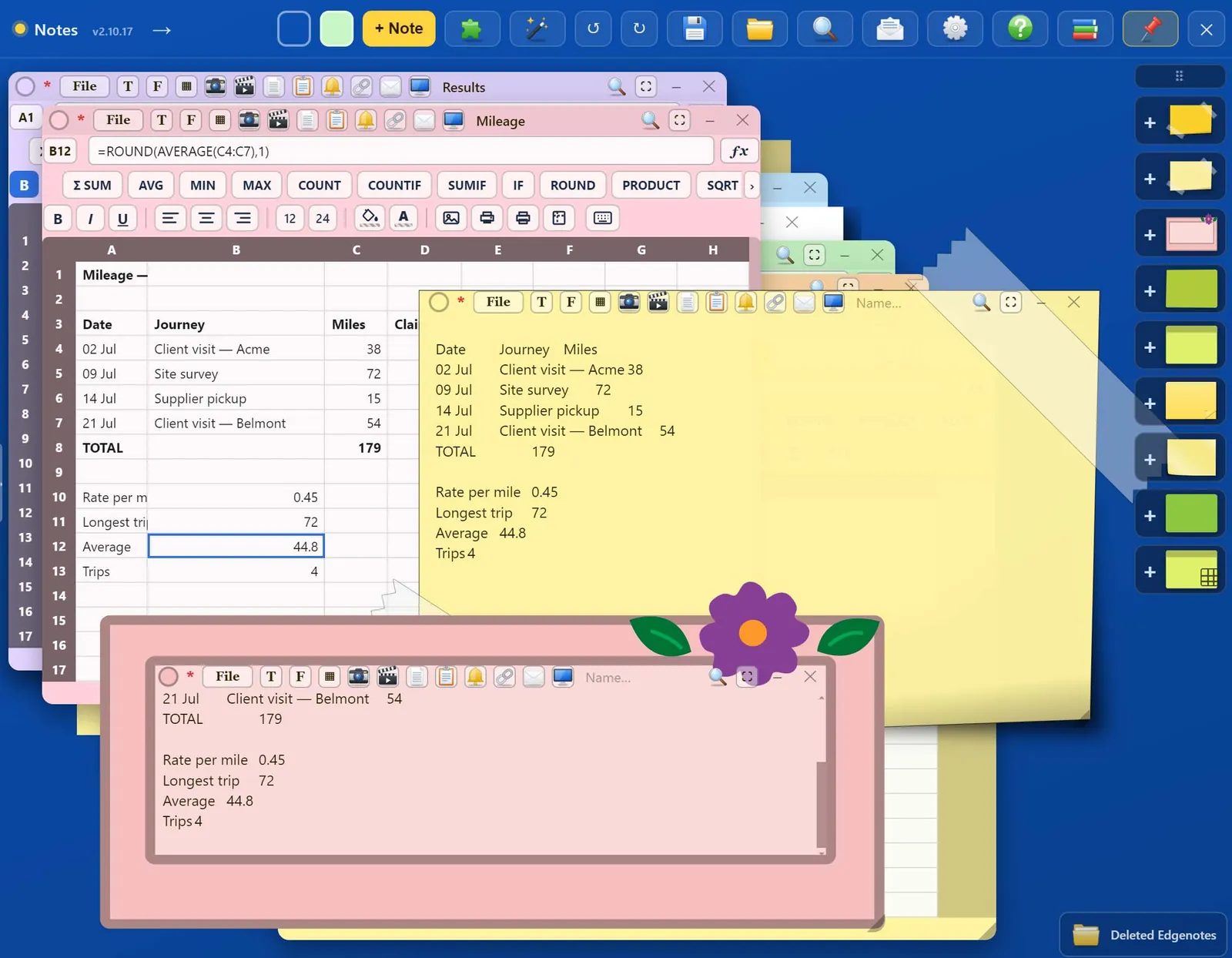
Notes in any style
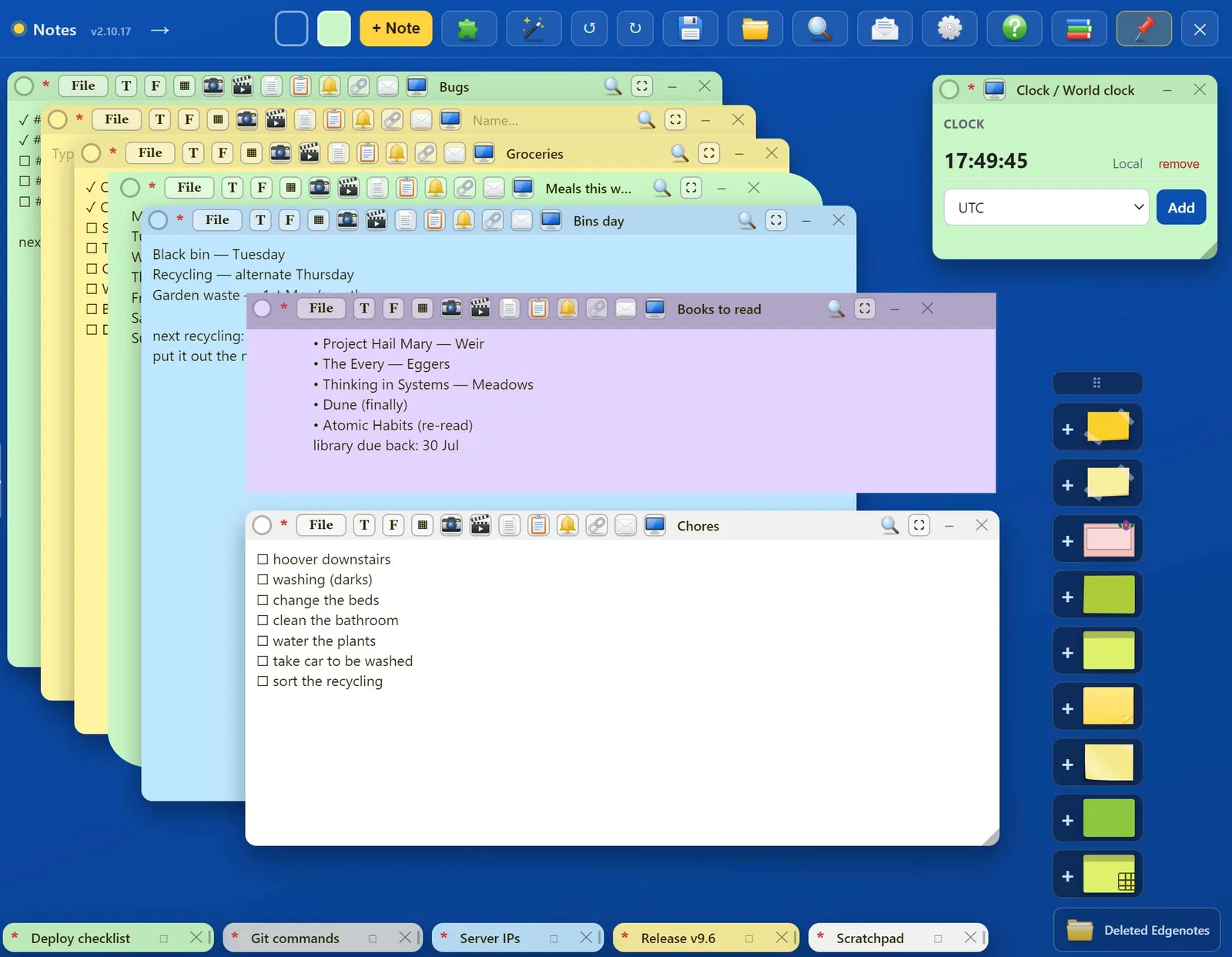
A note can be plain, taped, floral or art paper, in any colour. Put text anywhere on it, drop in images and PDF pages, or draw on it. Minimise notes to small tabs along the bottom when you need the space.
- Several paper designs and any colour
- Text, images, PDF pages and drawings
- Minimise to tabs, cascade or grid in one click
Spreadsheets that feel familiar
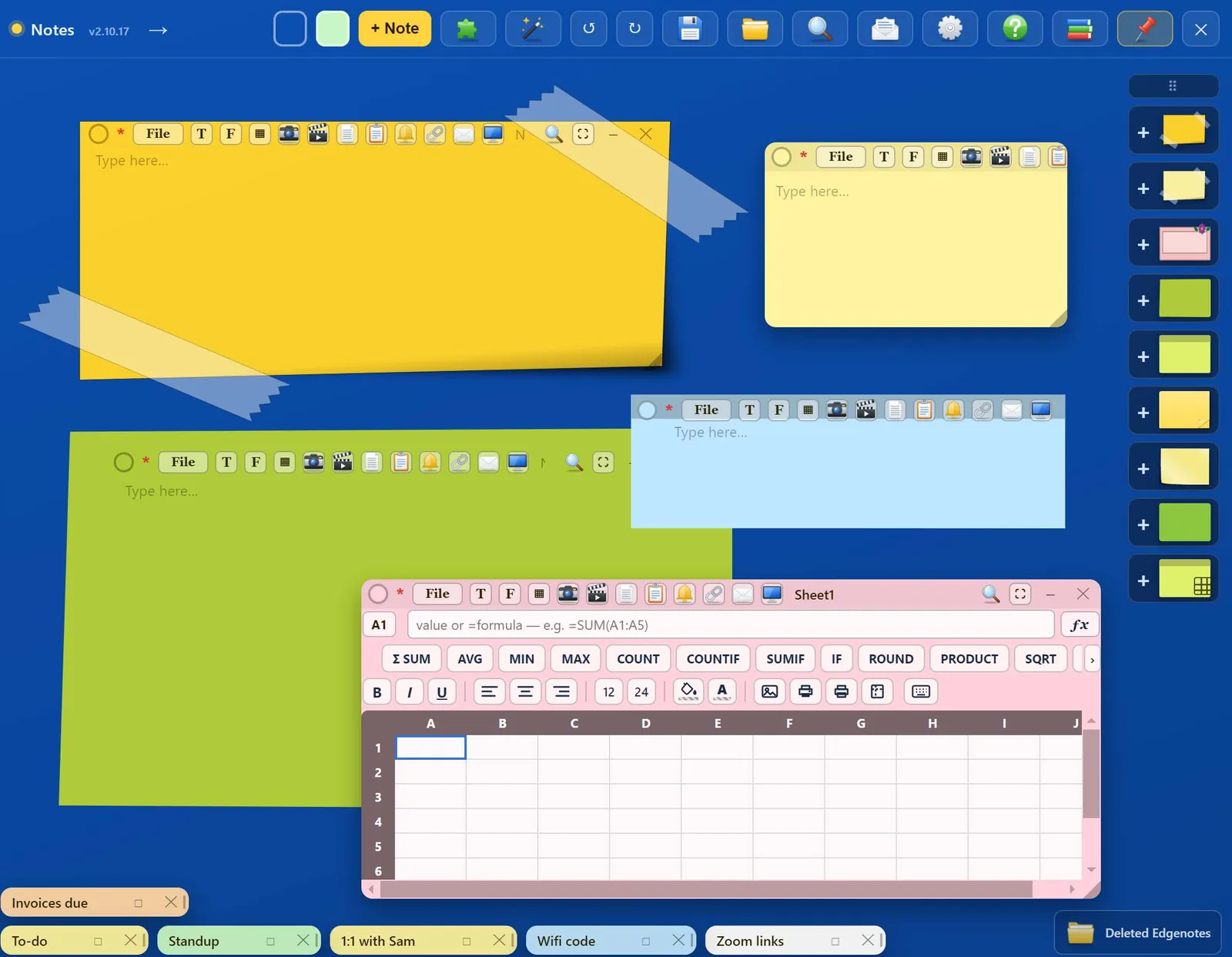
Sheet notes work like a desktop spreadsheet: type to replace, Enter to move down, Ctrl-drag to move cells. Formulas, formatting, cell colours and pictures are all there.
- SUM, AVERAGE, IF, COUNTIF, ROUND and more, with a worked example for each
- Bold, alignment, fill and text colour, pictures in cells
- A4 print preview, print, save as PDF
Lots of sheets, one panel
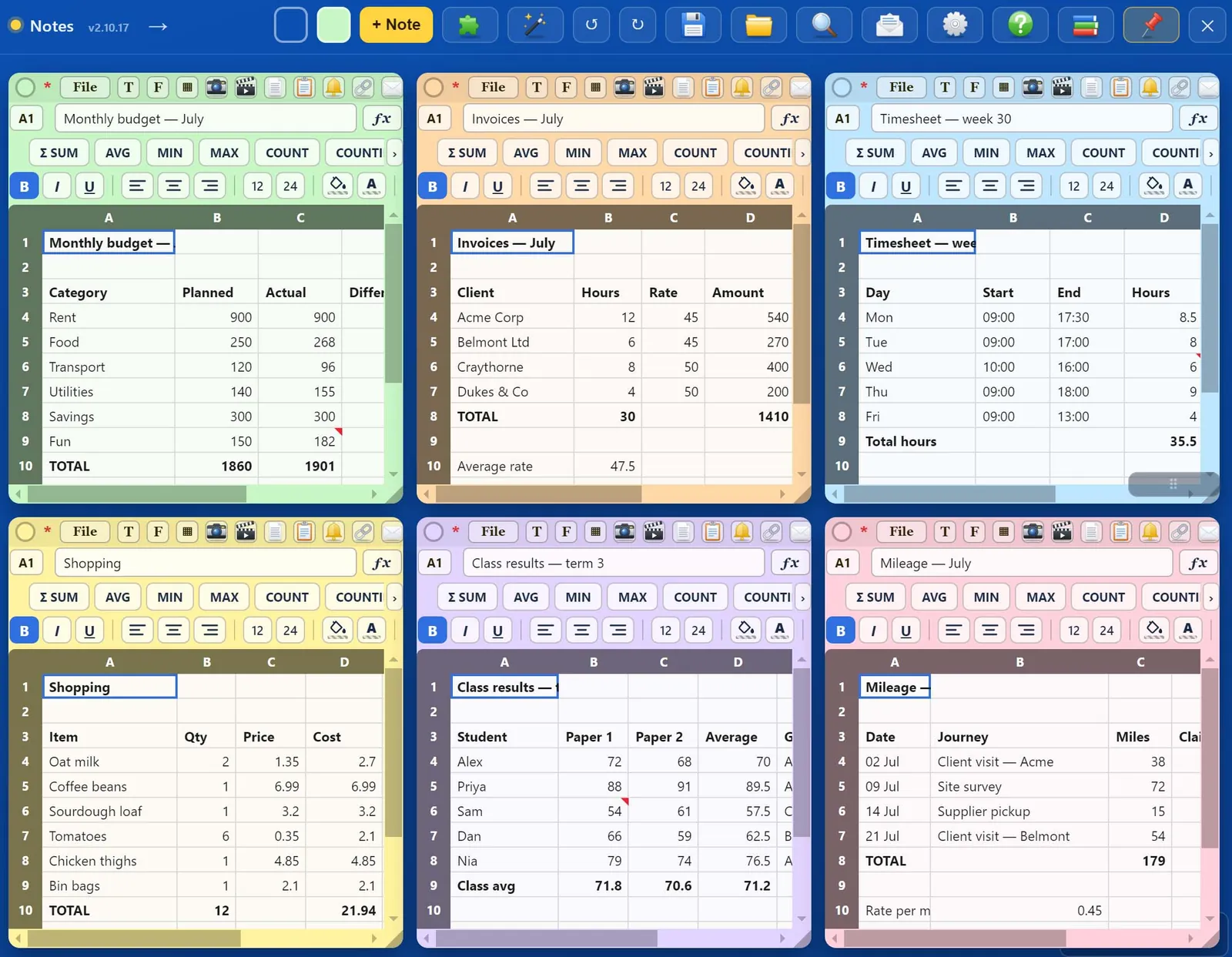
Keep a budget, invoices, a timesheet and mileage side by side, or stack them and flick through. Each sheet keeps its own formatting and column sizes.
- Insert and delete rows and columns
- Headers stay in view while you scroll
- Keyboard shortcuts listed in the sheet itself
Quick notes for the working day
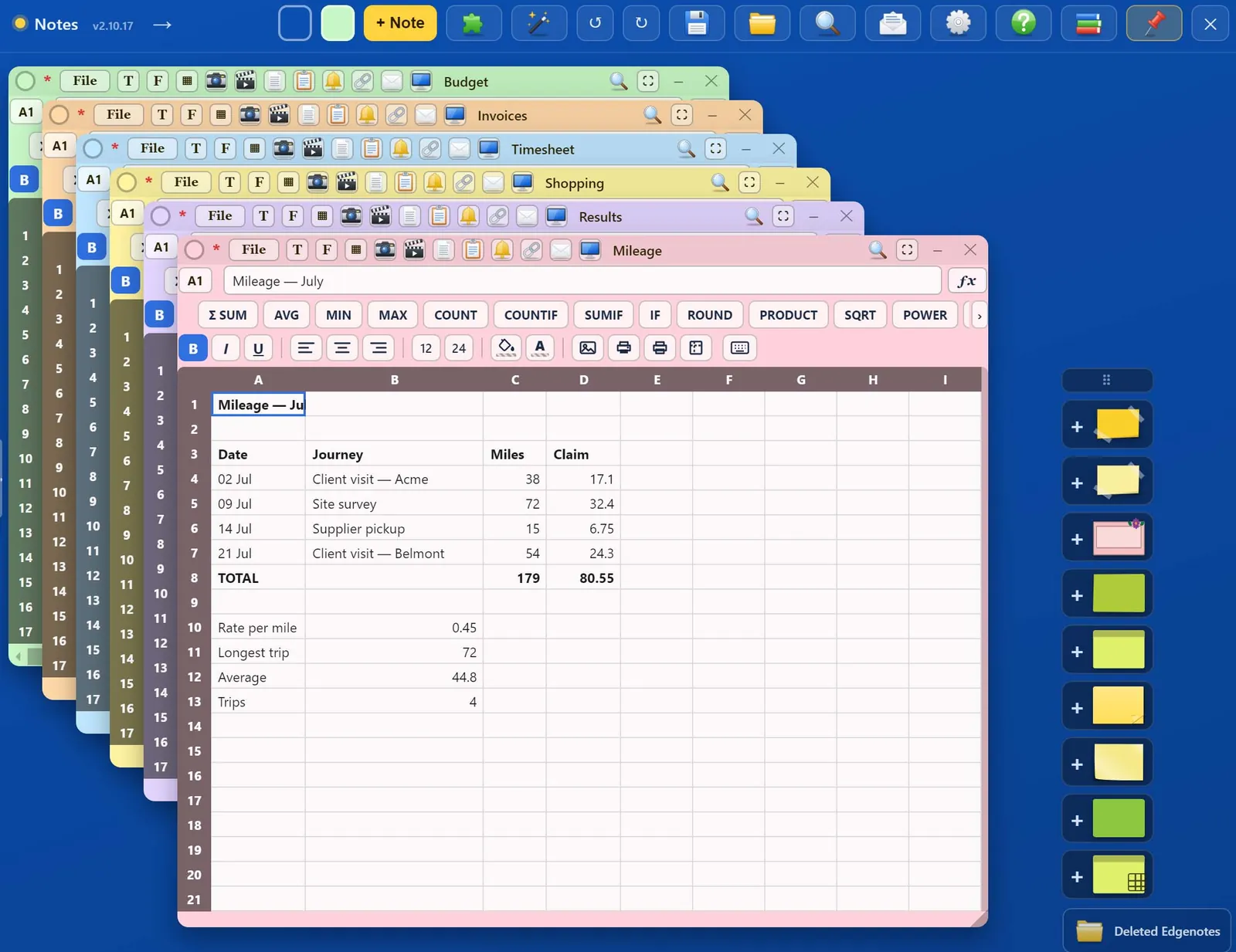
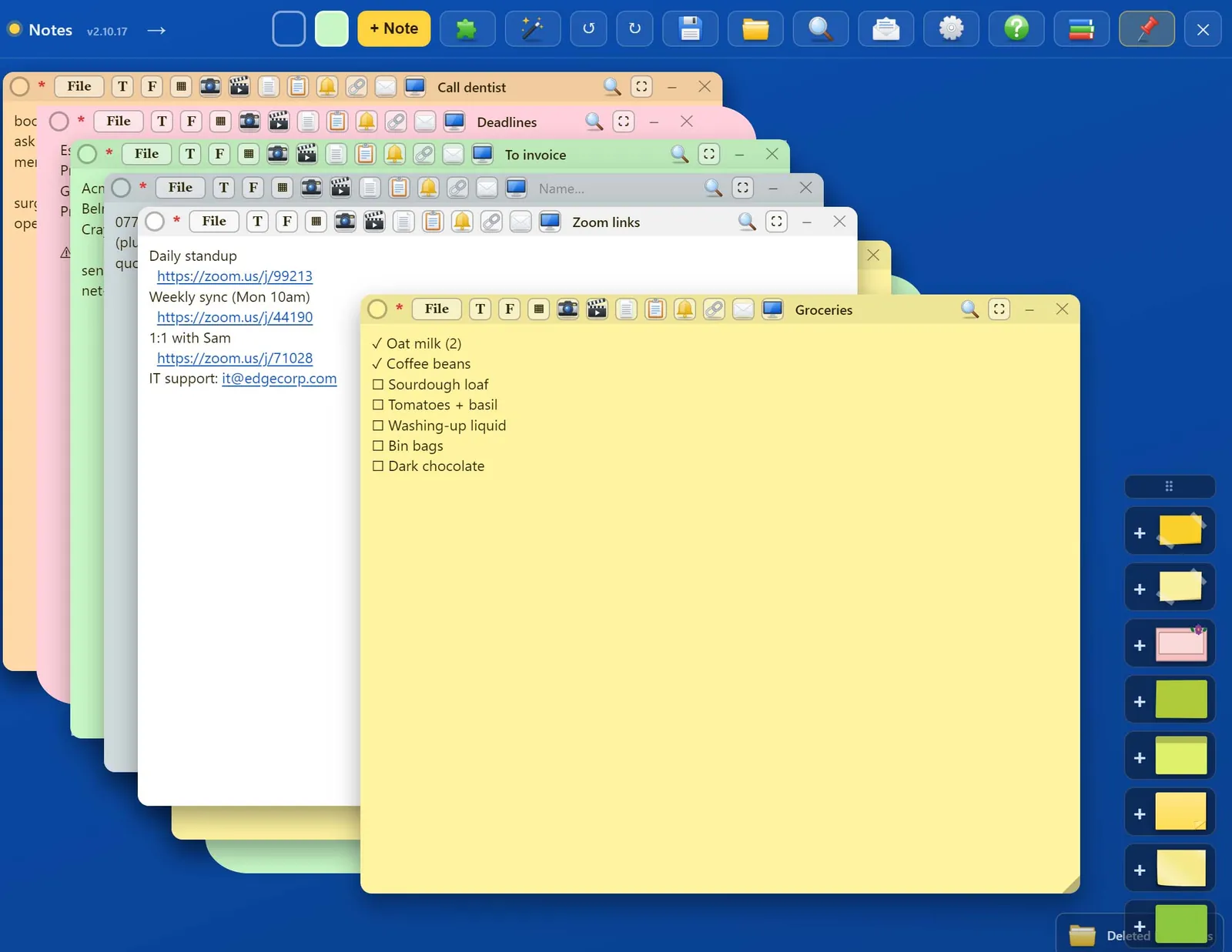
Phone numbers, meeting links, deadlines and a shopping list, stacked so the one you need is a click away. Web links in notes open with Ctrl and click.
- Links become clickable as you type
- Search across every note
- Undo and redo the last 50 changes
Checklists
Tick things off as you go. Pin a checklist on top so it stays visible, or send it to the desktop as its own window.
- Checklist items in any note
- Pin on top
- Pop out to the desktop
Widgets
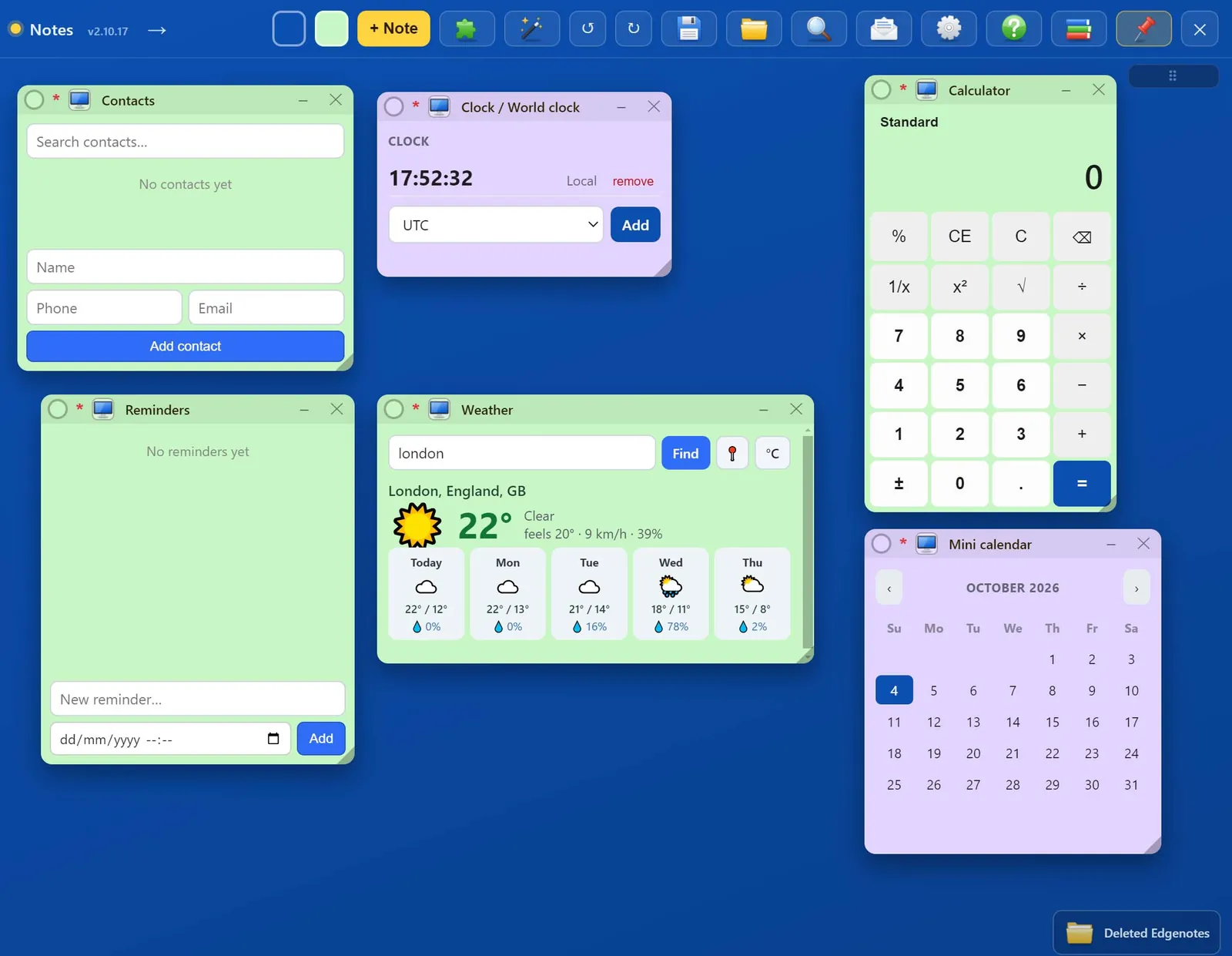
Small tools that live in the panel like notes: move, resize and minimise them the same way.
- Clock and world clock, calendar, event calendar
- Reminders, timer and countdown
- Calculator, unit and currency converters
- Weather, dictionary, QR codes, password generator, colour picker, counter
Games for a short break
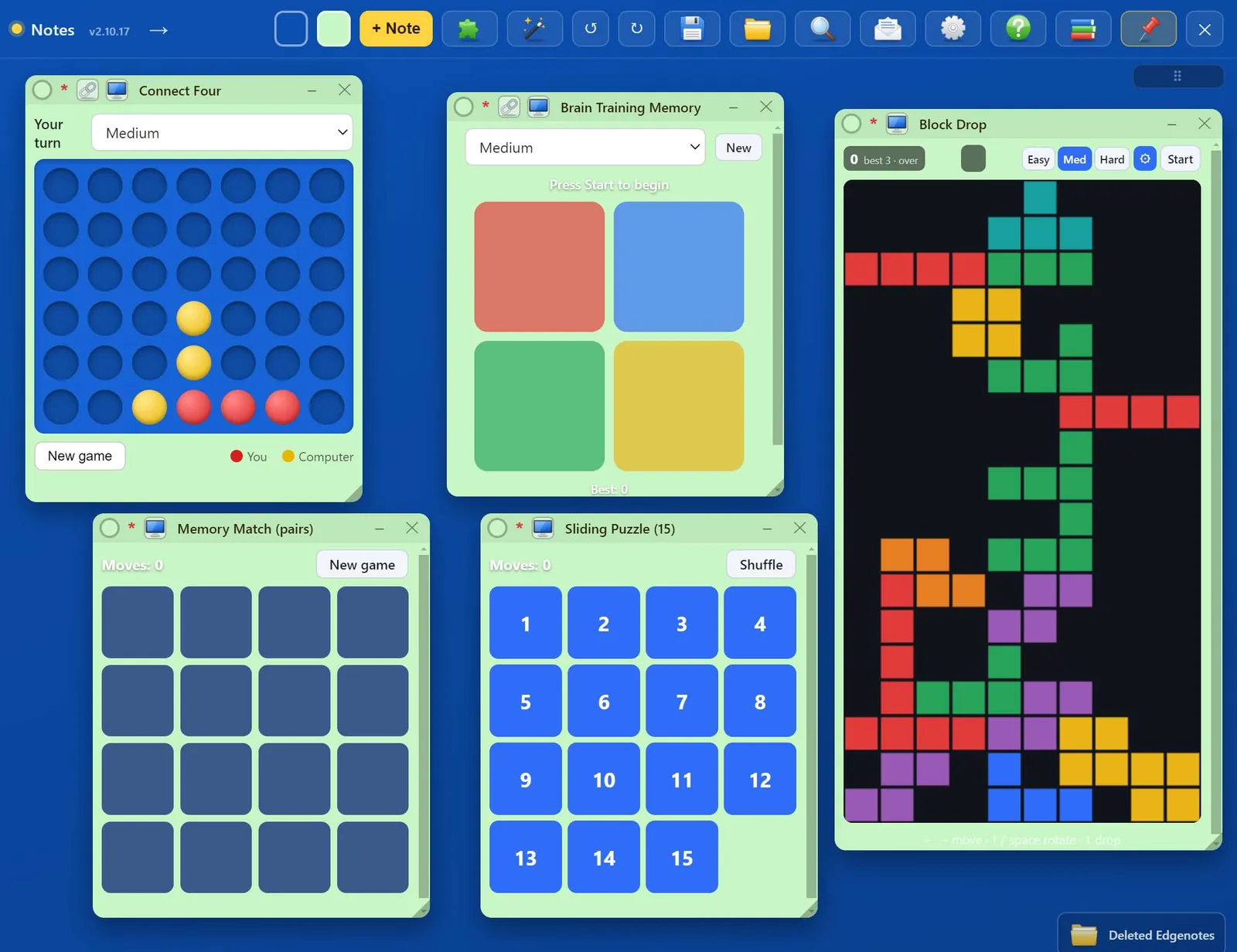
A handful of quick games, ready when you need two minutes away from the spreadsheet.
- Connect Four against the computer
- Block Drop and a sliding 15 puzzle
- Brain training memory and memory match
Make it yours
Five colour themes for the panel, paper styles for notes, and any note can be sent out to the desktop as its own window, minimised or maximised.
- Five panel themes
- Taped, floral and art paper
- Desktop windows with minimise and maximise