 EdgeNote
Free address label templates
Templates for the six most common A4 label sheets, from big parcel labels at 8 per sheet to small return-address labels at 24 per sheet. Type a different address on each label, or the same one on every label. Free, no sign-up.
Updated October 2026. Made by the people behind EdgeNote. More in our free templates.
How to pick the right template
- Check your label packet. It shows how many labels are on a sheet and their size in millimetres, or a product code such as L7160. Pick the template that matches.
- "Different" PDF: type a different address on each label, ideal for a mailing list.
- "Same on all" PDF: type your address once and it fills every label, ideal for return-address labels.
- Word: type into the labels and change the font, size or layout. Word's mail merge can fill them from a spreadsheet.
Address label templates by sheet
All A4. The pictures show made-up addresses; the downloads are blank.
-
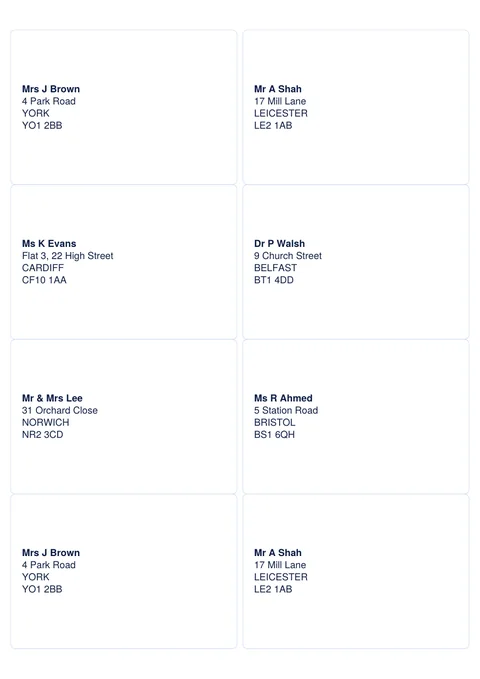
8 per sheet
99.1 × 67.7 mm · fits Avery L7165 and similar
Big labels for parcels and boxes.
-
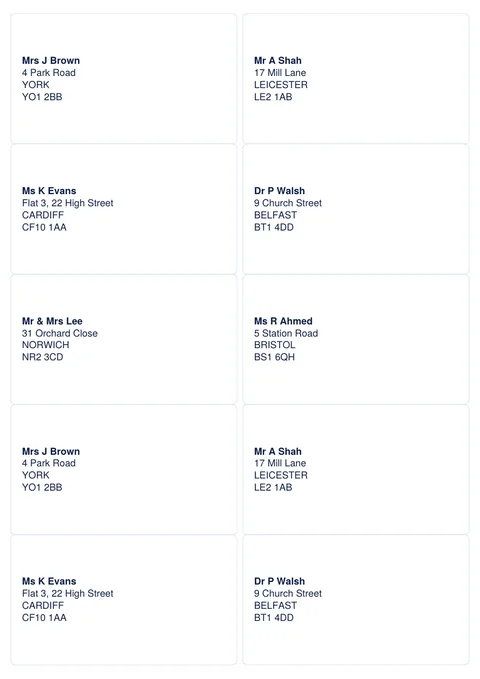
10 per sheet
99.1 × 57.0 mm · fits Avery L7173 and similar
Roomy labels for parcels and large envelopes.
-
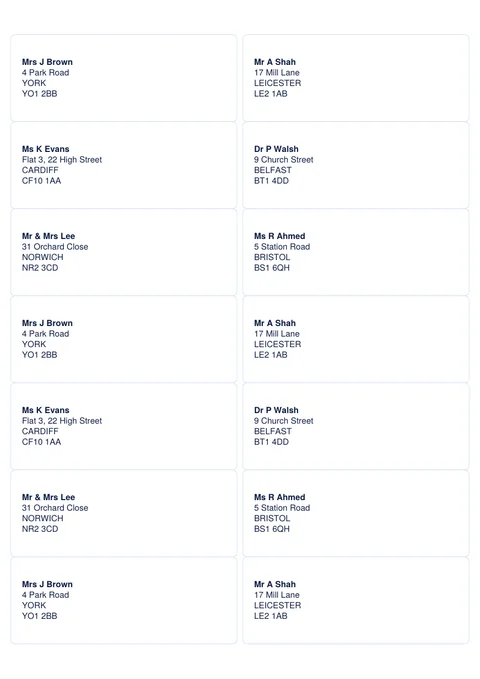
14 per sheet
99.1 × 38.1 mm · fits Avery L7163 and similar
A popular size for letters and parcels.
-
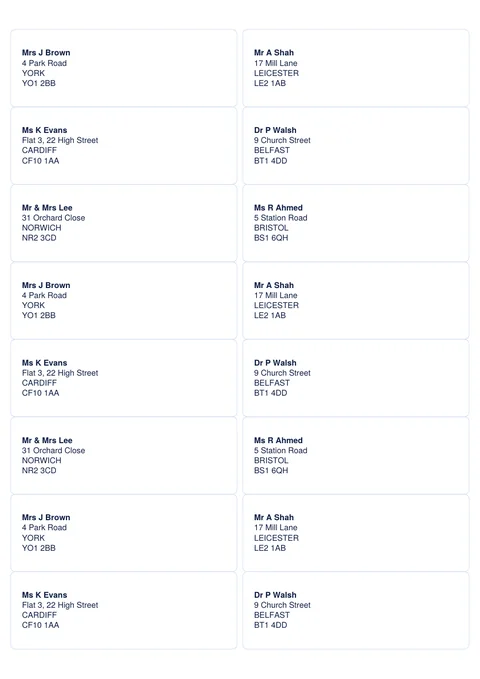
16 per sheet
99.1 × 33.9 mm · fits Avery L7162 and similar
Slimmer labels, two across.
-
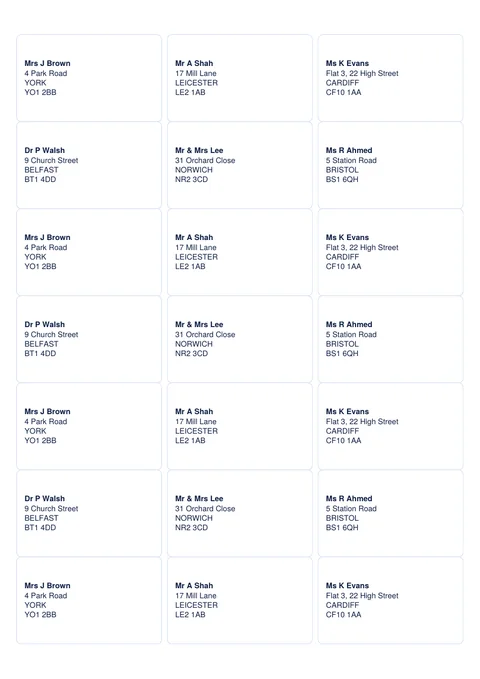
21 per sheet
63.5 × 38.1 mm · fits Avery L7160 and similar
A favourite size for letters, three across.
-
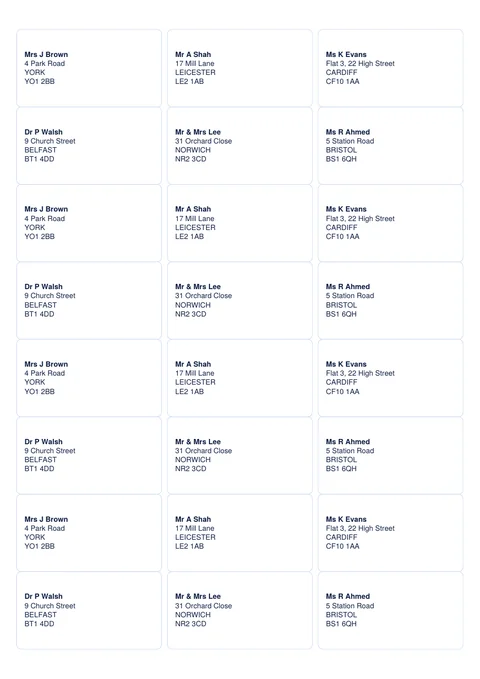
24 per sheet
63.5 × 33.9 mm · fits Avery L7159 and similar
Small labels for envelopes and return addresses.
How to print labels without wasting a sheet
- Fill in your labels, then print one copy on plain paper.
- Hold it against a sheet of labels up to a window or a light. The text should sit inside each label.
- Print at actual size or 100%, never "fit to page", which shrinks everything out of line.
- Put the label sheet in the paper tray the right way up (check which side your printer prints on) and print one sheet at a time.
Using the Word templates
- The labels have no borders, so nothing extra prints. To see where they are, click inside the table and choose Table Layout → View Gridlines.
- Press Tab to move to the next label, and Enter for a new line within a label.
- To print a list of addresses from Excel, Word's Mailings → Start Mail Merge → Labels can fill a sheet for you. Choose your label brand and product code, or the matching size.
How to write a UK address
Royal Mail's address format, as published by the Universal Postal Union (UPU guide), puts each part on its own line, left-aligned:
4 Park Road
YORK
YO1 2BB
- the person or business name first
- the house number and street, then the village or area if there is one
- the post town in capital letters
- the postcode on its own last line, in capitals, with one space in the middle
The county isn't needed when you include the post town and postcode.
Make labels in EdgeNote
EdgeNote, our notes app for Windows, makes a sheet of address labels in a few clicks. It can even fill every label with your business address for return labels:
- Open EdgeNote and click Templates at the top of the panel.
- Choose the Print tab, then Address labels.
- Pick your label sheet, type the address and choose the same address on every label or a different one on each.
- Print it from the A4 print preview.
More free templates
Sending out invitations? Our invitation templates fit C5 envelopes. Starting a business? Try our business card templates, ten to a sheet.
Questions
Are these label templates really free?
Yes. Download them and print as many sheets as you like. There's no sign-up and no email address needed.
Will they work with Avery labels?
They're made to the same sizes and layout as the Avery sheets named on each template, and they'll work with other brands of the same size. Always print a test page on plain paper first, as layouts can differ slightly between brands.
What's the most common address label size?
21 per sheet (63.5 × 38.1 mm, like Avery L7160) is one of the most popular sizes in the UK for letters. 14 per sheet gives more room, and 8 per sheet is good for parcels.
Can I print the same address on every label?
Yes. Use the "Same on all" PDF: type the address once and it appears on every label. It's ideal for return-address labels.
Can I print labels from an Excel list?
Yes, with Word's mail merge: Mailings, then Start Mail Merge, then Labels. Pick your label sheet, choose your Excel file as the list, and Word fills in the labels for you.
The text doesn't line up with my labels. What can I do?
Check you're printing at 100% or actual size, then compare a plain-paper test print against the label sheet. If everything is shifted the same way, nudge the page margins in Word by a millimetre or two.